I'm working on an iPad app, and I am unable to hide the UIKeyboardAssistantBar, the bar shown above the soft keyboard, with text prediction etc. See picture below, which shot the full keyboard, just to give a reference - the bar I want to hide is above the keyboard (the one displaying "2")
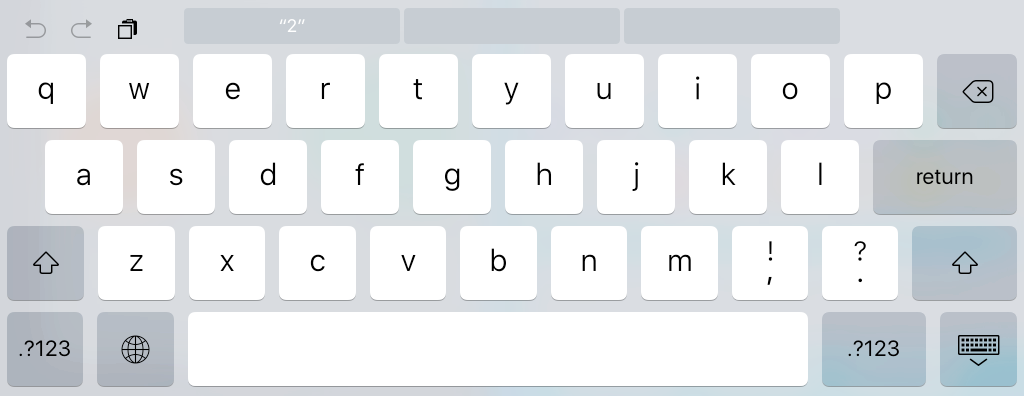
The problem I have is when an external keyboard is used: the soft keyboard is not shown when a text view obtains the focus, but that assistant bar is always shown instead - the only way I've found so far is to let the user manually hide it, using the icon at the far right.
Ideally, the solution I'm looking for is a global call that enables or disables that, so that I don't have to handle that individually for each text view.
Any idea?

Aucun commentaire:
Enregistrer un commentaire